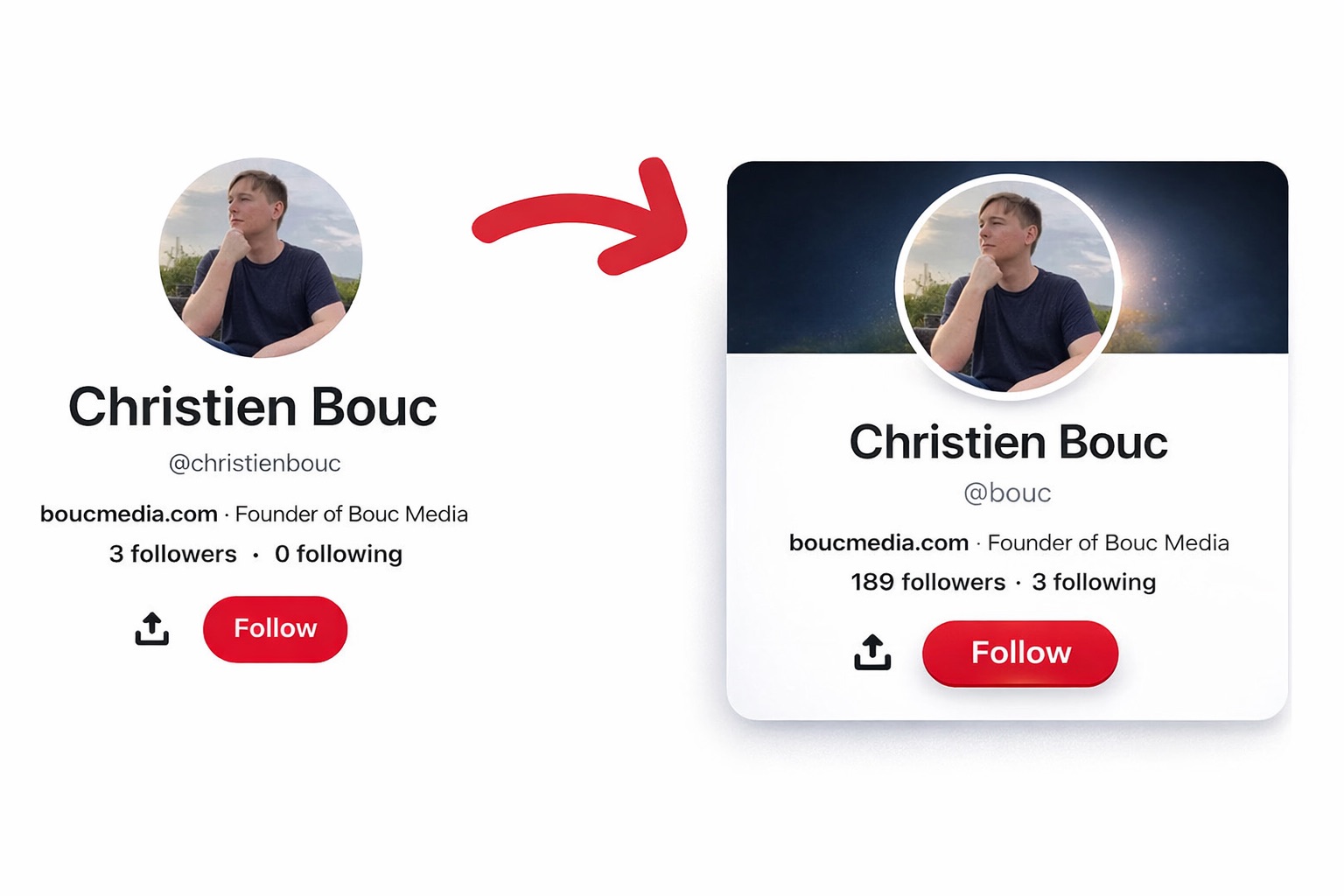
How to Claim an Inactive, Already Registered Username on Pinterest

If you have ever tried to register a username on social media, only to find out it is already taken by someone who is not even using it, I feel your pain. I have been on a mission to secure my last name “Bouc” across every social media platform, and let me tell you, it has not been easy.
My last name is only 4 characters long and it literally means “billy goat” in French, so between short handle restrictions and random inactive accounts sitting on the name, manually registering for my last name and brand name as a username has been impossible. But, even though @bouc on Pinterest was taken, I recently managed to get @bouc on Pinterest for free, and I want to break down exactly how I did it so you can do the same thing.
Can You Actually Claim a Taken Pinterest Username?
Yes, you absolutely can. Most people assume that once a username is taken, it is gone forever. That is not the case. Pinterest, like most major social media platforms, has a trademark policy that allows rightful trademark owners to claim usernames that infringe on their registered marks.
My Step-by-Step Process for Claiming @bouc on Pinterest
Here is exactly what I did, step by step. This is not theory. I actually went through this entire process and successfully got the username transferred to my account.
Step 1: File a Trademark
The first thing I did was file for a trademark for the word “Bouc” in Class 35 with the United States Patent and Trademark Office (USPTO). Bouc is my last name, but it is also the name of my company, Bouc LLC (aka Bouc Media). Having a registered trademark gives you legal standing to make a claim on any platform.
Step 2: Wait for the Trademark to Be Issued
This is the part that requires patience. The typical USPTO processing time is around 6 months, but mine took over a year because of COVID-related delays. We also had to file an appeal after the USPTO initially rejected it. If you are going this route, just know it is a process, but it is worth it.
Step 3: Submit a Trademark Violation Report to Pinterest
Once my trademark was officially issued, I submitted a trademark violation form directly to Pinterest. In the form, I requested that the username @bouc, which was registered by another user, be transferred to my personal profile @christienbouc. Pinterest has a dedicated trademark form for exactly this purpose, and you can access it here: pinterest.com/about/trademark.
Step 4: Make Your Profile Look Professional
This is a step a lot of people overlook. When a Pinterest employee reviews your trademark claim, they are going to look at your profile. If it is blank or looks like a throwaway account, that is not going to help your case. I made sure to create three professional carousels optimized for Pinterest’s 4:5 aspect ratio and posted them so my profile looked like a legitimate business presence. Do not skip this step.
Step 5: Wait for Pinterest to Respond (and Follow Up if Needed)
After submitting the form, it took about 4 days for a Pinterest employee to reply confirming that the username had been released to me. If you do not hear back within 2 to 5 weeks, I would recommend following up on your request.
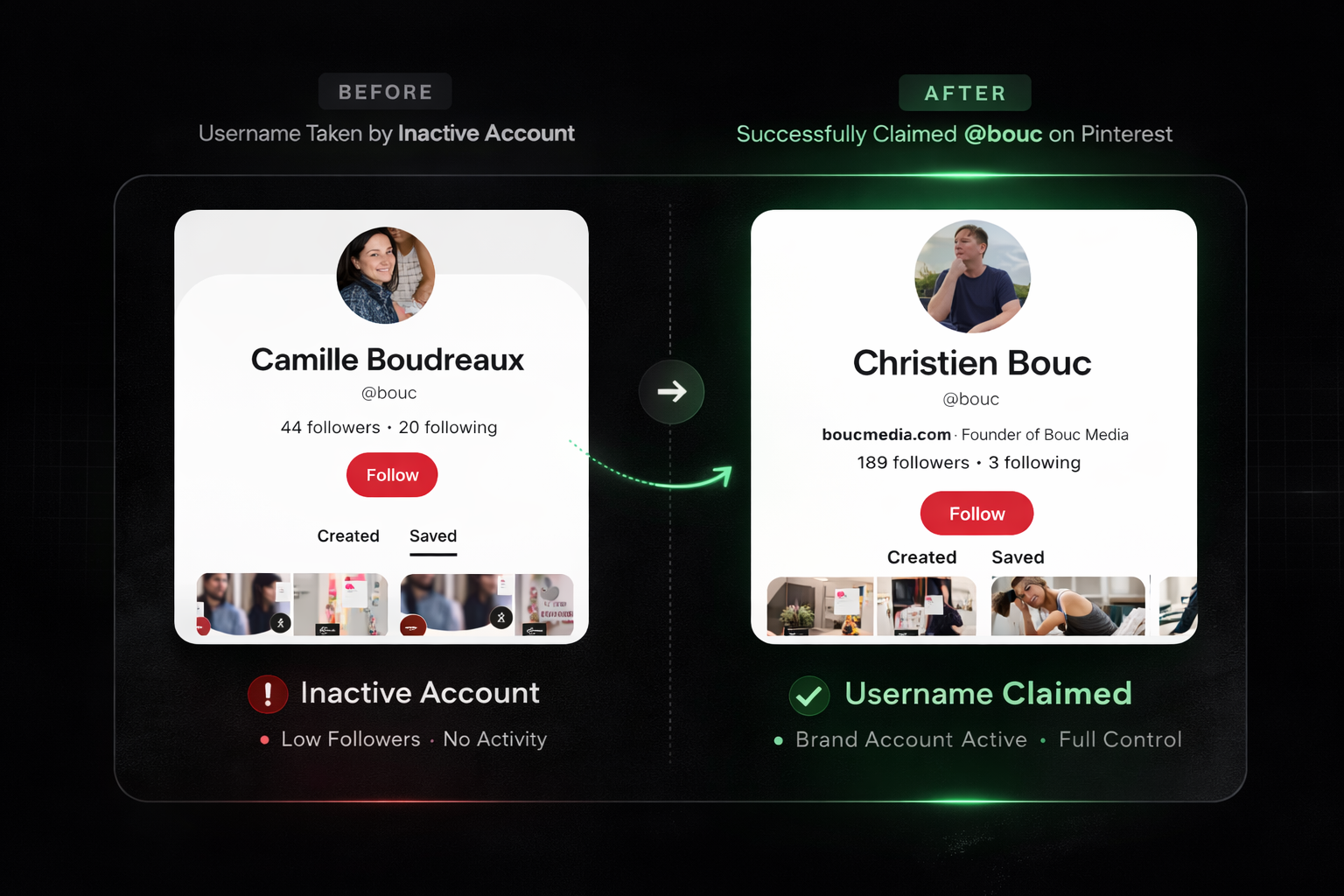
Proof It Works: Before and After
For anyone who is skeptical or just curious, here are the actual screenshots from my experience.

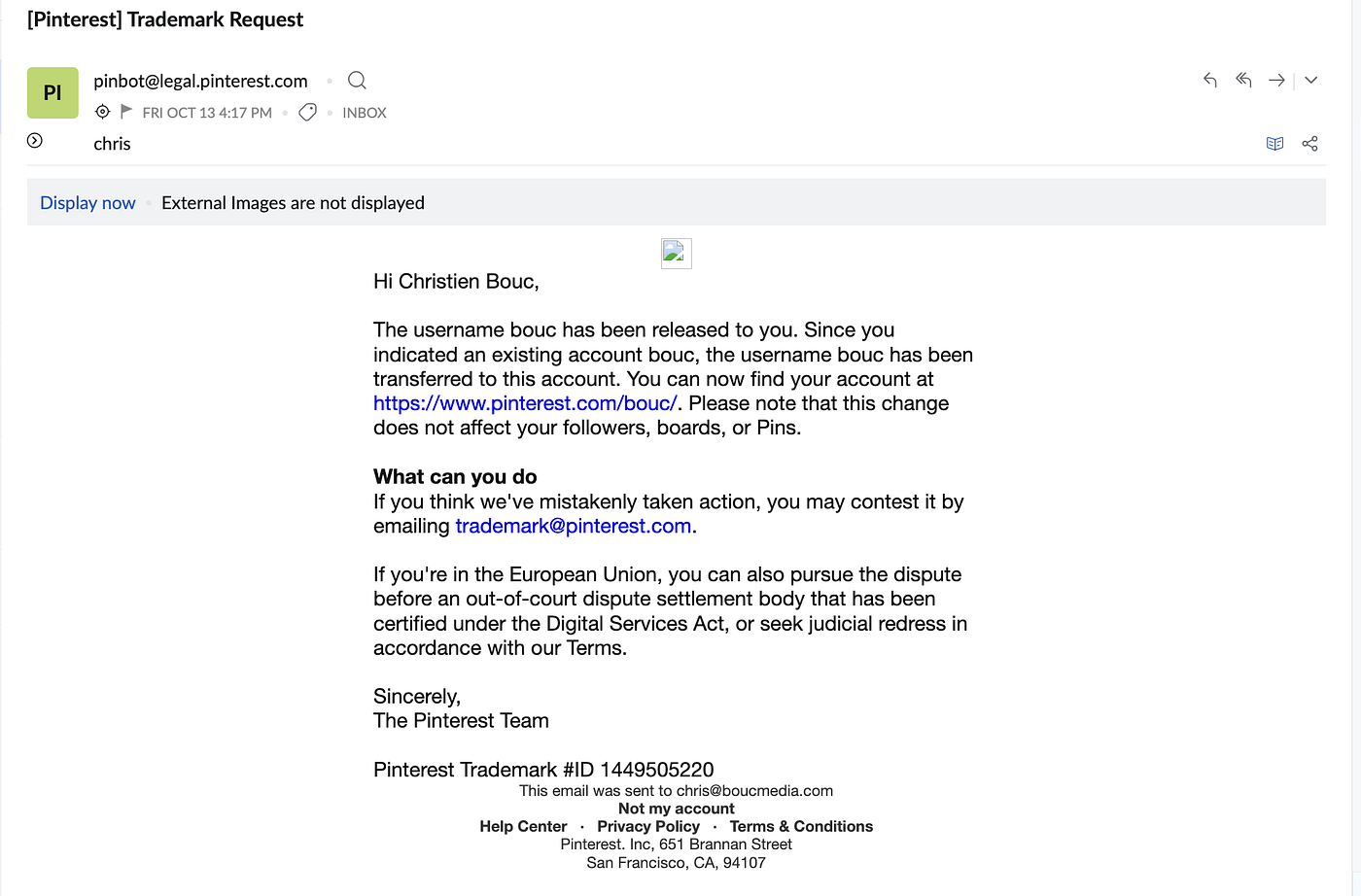
My Pinterest profile is live at pinterest.com/bouc.
This article was originally published on Medium.